Introducing
Sellable for
Uber Eats
Automatically generate Uber Eats-ready menu photography from a single phone photo per dish — correct crop, appetite-first color, and a consistent look across your whole menu.
Boost your
Uber Eats order rate.
Menu photos in under 60 seconds
+40% average order rate lift
Uber Eats spec exports, applied automatically
No photographer or studio required
 Snacks & Sides
 Beverages
 Ready Meals
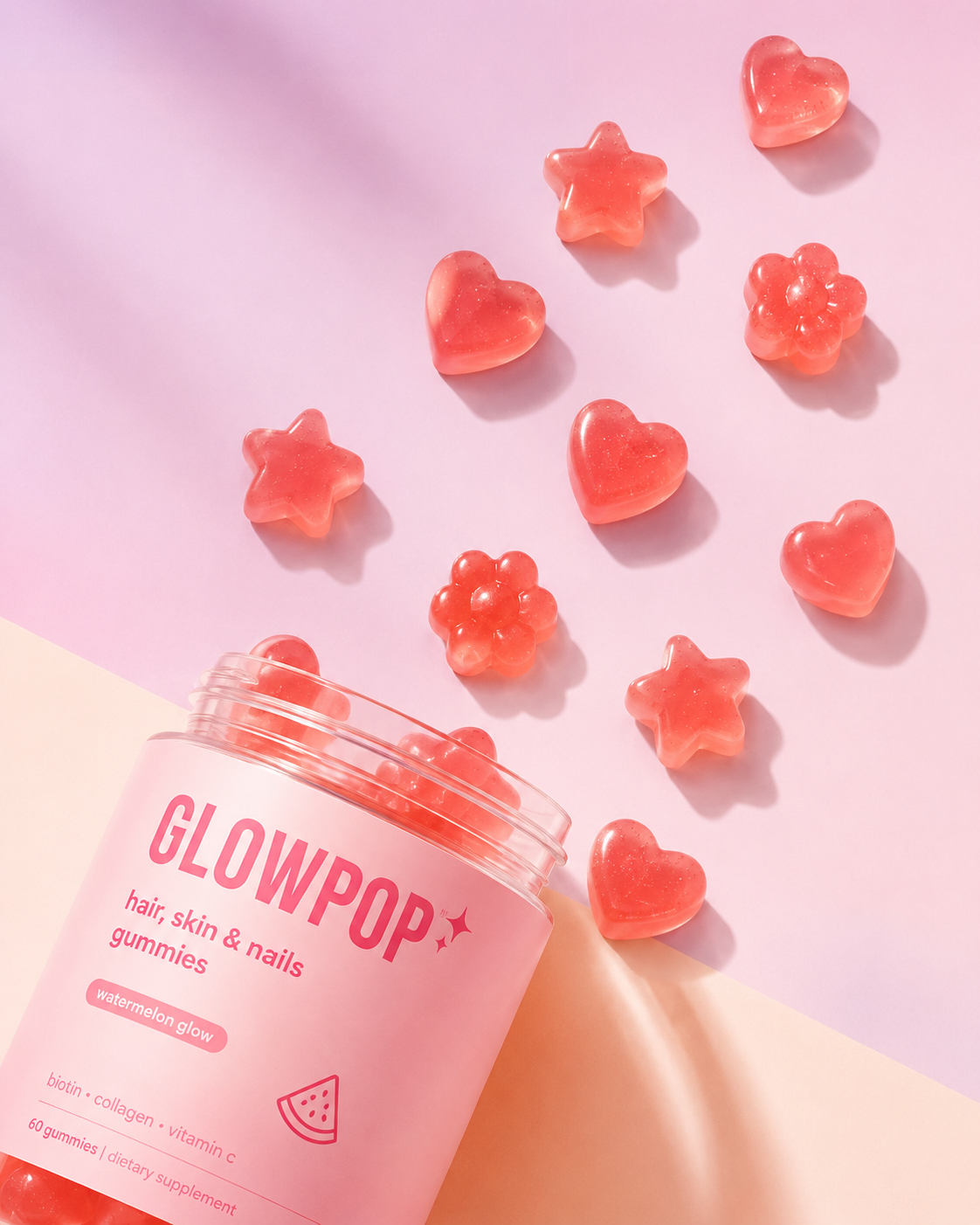 Desserts & Sweets
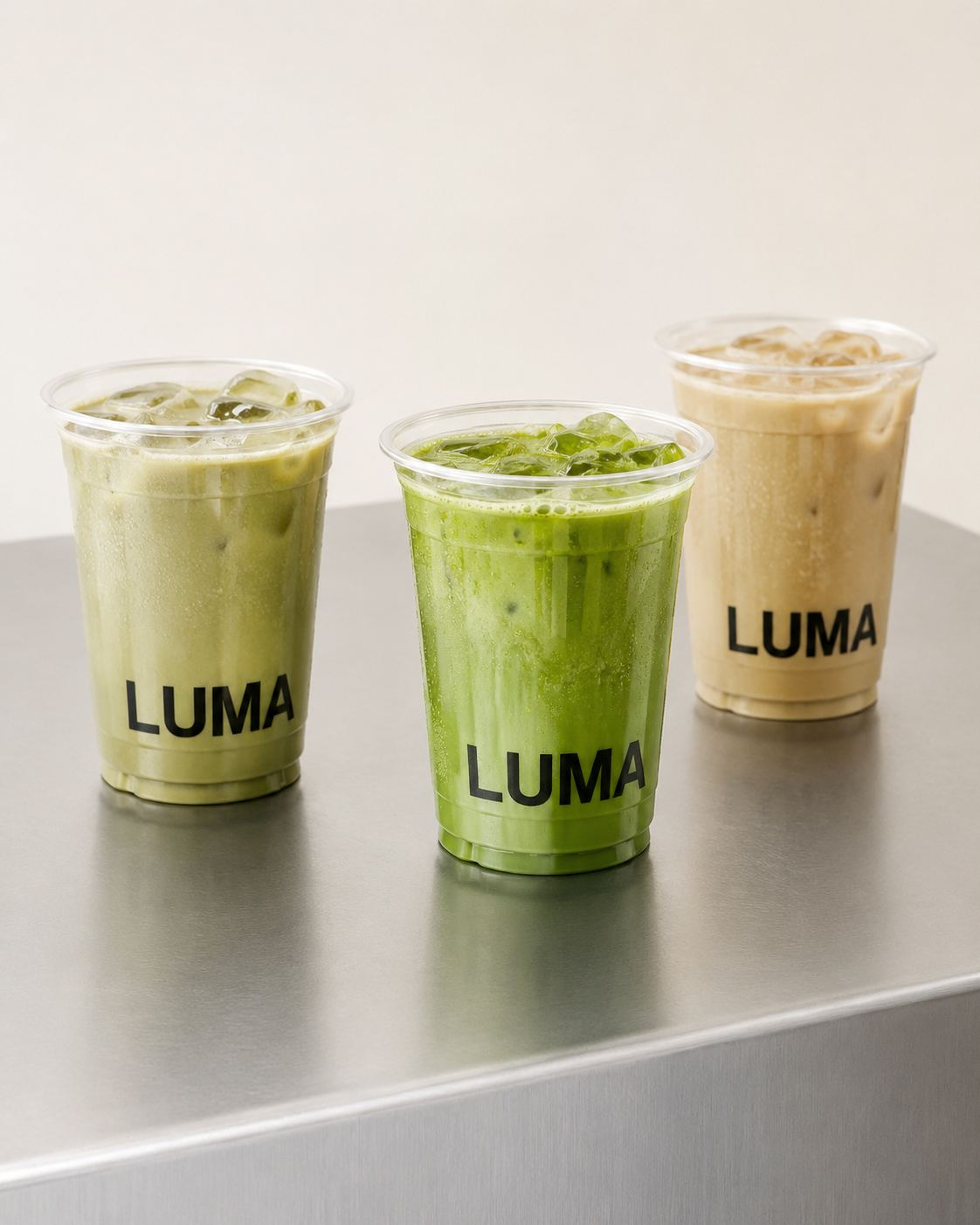 Coffee & Tea
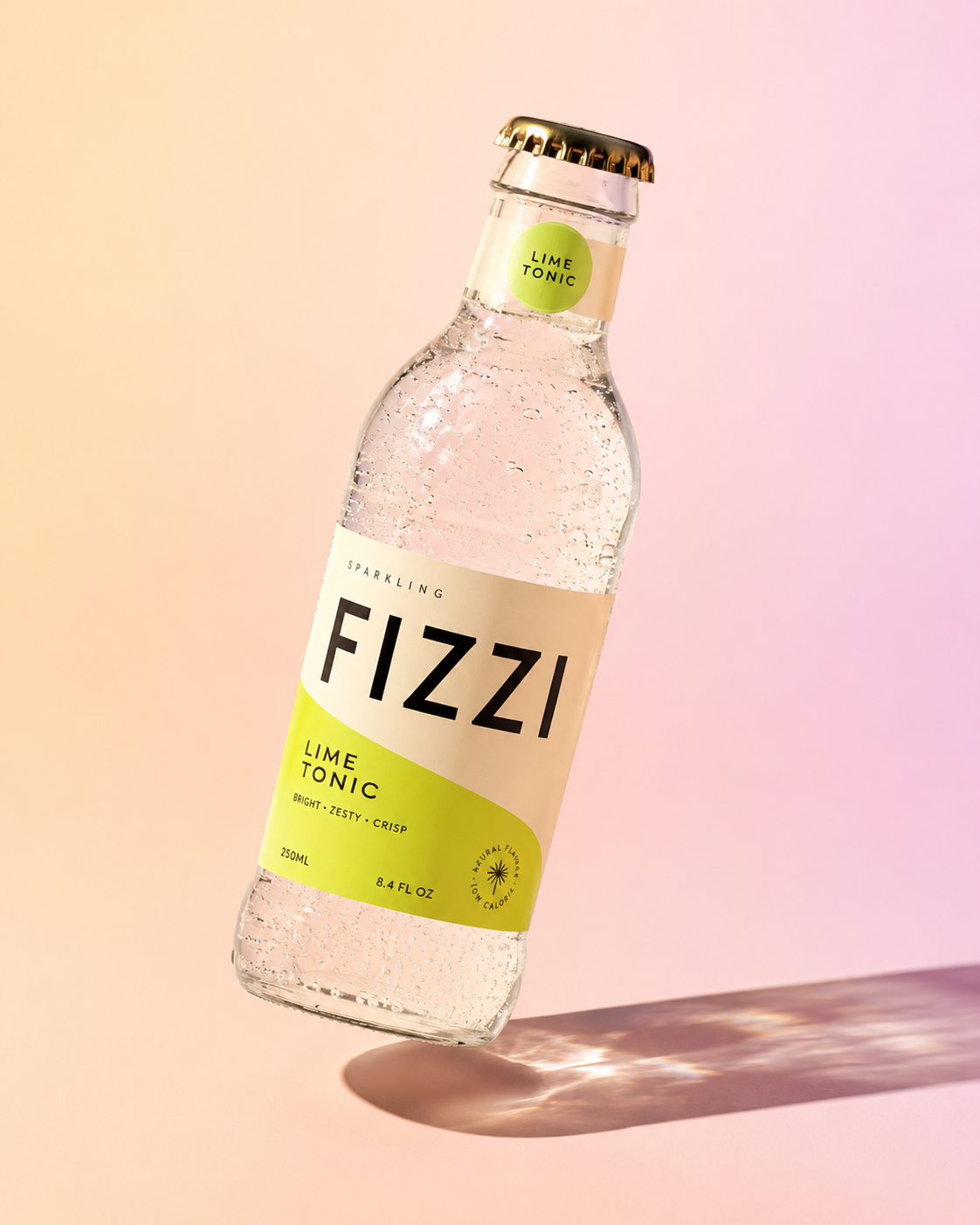 Bottled Drinks
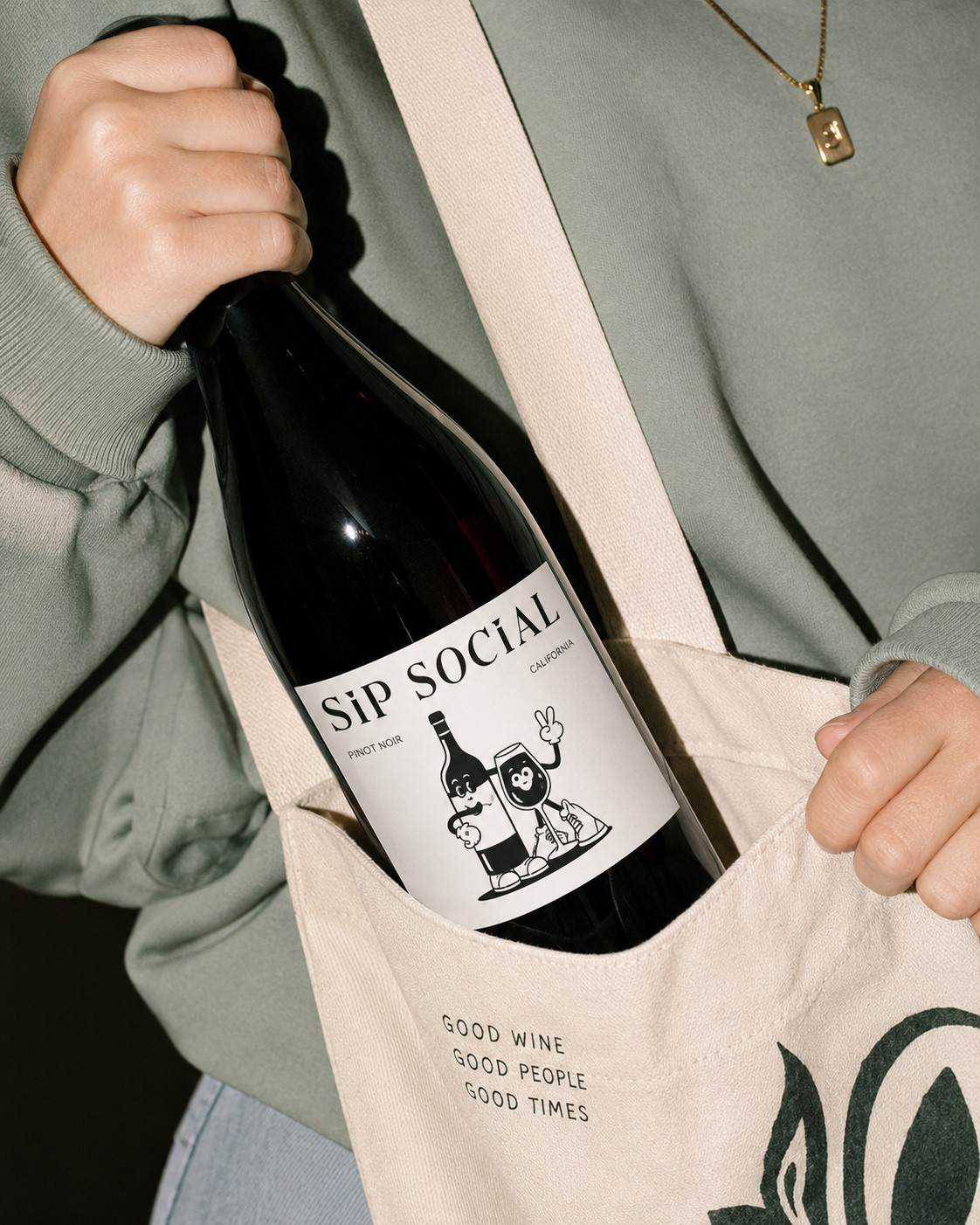 Alcohol Delivery
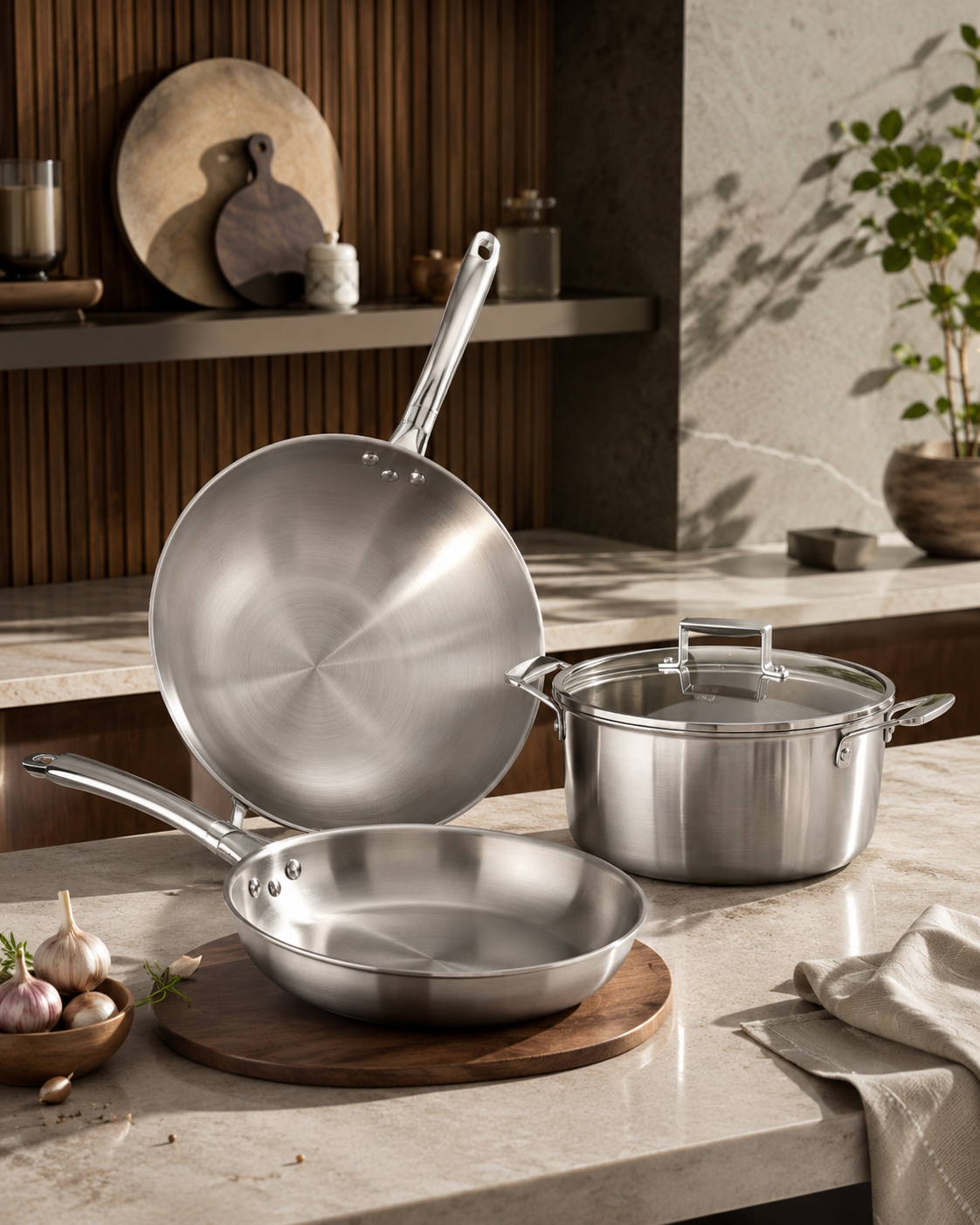 Grocery & Pantry
How it works
Upload, bulk generate, visualize on platform. Three steps, one afternoon.
Snap a photo.
That's the whole shoot.
Drop in a phone photo of each dish, packaged item, or drink — any background, any lighting. No stylist, no studio, no schedule to book.
- 📷Any phone photo works, no equipment needed
- 📁Upload one dish or your whole menu at once
- ⚡Background and lighting fixed automatically
Drop dish photos here
or click to browse ✓ Your whole menu,
generated in one batch.
Sellable processes every item together — same lighting, same background, same color grade — so the menu looks shot by one photographer, not stitched together from twenty phones.
- 🧠One brand style applied across every item
- 📦Batches of 50+ dishes finish in under an hour
- 🔁Regenerate any single item without redoing the batch
✓ ✓ ✓ ✓ Preview it live on
Uber Eats before you publish.
See exactly how each photo reads as a menu card before it goes live — correct crop, correct size, correct context — then export and upload straight to Uber Eats Manager.
- 📱True-to-platform preview, not a guess
- ✅Correctly cropped and sized for the app
- 🚀Export and upload in the same session
Features
Everything you need to photograph
your full Uber Eats menu at scale.
Uber Eats Menu Formats
Images built to Uber Eats spec, every time.
Correctly cropped, high-resolution menu photos ready to upload straight to Uber Eats Manager — no resizing, no rejections.
Try it freeAppetite-Enhancing Visuals
Make every dish look irresistible on the scroll.
Warm, food-first color grading tuned for delivery-app browsing. Every item looks fresh, vivid, and ready to order.
See examplesFull Menu Production
Refresh your whole Uber Eats menu in an afternoon.
Upload your menu list. Every item gets a consistent, scroll-stopping photo — no exceptions, no missing images.
Start freeBrand Consistency Engine
One visual style across every dish and location.
Set your look once. Applied identically to every menu item, and every store if you run more than one location.
See pricingProven results on Uber Eats
Restaurants and dark kitchens that refresh their Uber Eats photography with Sellable see measurable gains in order rate, ranking, and operational speed.
Menu items with Sellable-optimized photography see a 40% higher order rate on average on Uber Eats.
Produce a complete 100-item Uber Eats menu in hours, not the 1–3 weeks a studio shoot requires.
One phone photo per menu item is all Sellable needs to generate the Uber Eats-ready image.
Every dish photographed in the same style — no more mismatched menu photography.
The problem
Uber Eats rewards great menu photography — but food photography is expensive, slow, and hard to keep current.
The problem
A food photo shoot costs thousands and takes weeks to book
A professional food photography shoot for a 50-item menu costs £3,000–£10,000 and takes weeks to plan — stylists, a photographer, studio time, editing. Change your menu, and you're booking it all over again.
Sellable generates Uber Eats-ready menu photography from any existing photo — even one taken on a phone in the kitchen. No studio, no stylist, no shoot. New dishes can be live on Uber Eats within the hour.
The problem
Mismatched photos make your Uber Eats storefront look amateur
Most Uber Eats menus are a patchwork — some dishes shot properly, others snapped quickly on a phone under kitchen lighting. Customers notice before they've even read the description, and it costs orders.
Sellable applies one visual style across your entire menu — same background, same lighting direction, same color grade — so your Uber Eats storefront looks deliberate and premium on every scroll.
The problem
Items without photos are effectively invisible on Uber Eats
Delivery-app behaviour heavily favors items with photos — items without one get scrolled past. But when you add a new dish, photography can't keep pace, so it launches with no image and underperforms from day one.
With Sellable, new dishes launch with a finished photo from day one. Upload the plated or packaged photo, generate the image, publish to Uber Eats — all before the item goes live.
Customer stories
"We refreshed 60 dishes across our Uber Eats storefront in a single afternoon. Our order rate went up 38% within the first two weeks. It paid for itself before the first invoice was due."
FAQ
Frequently asked questions
Can Sellable generate photos specifically for Uber Eats?
Yes. Sellable for Uber Eats generates menu photography sized and cropped to Uber Eats' listing image guidelines — high-resolution, correctly framed, with no promotional text, logos, or borders overlaid on the dish. Export directly to the format Uber Eats Manager expects.
Does better photography actually improve order rates on Uber Eats?
Yes, substantially. Delivery platform data consistently shows menu items with high-quality photography convert to orders at 30–40% higher rates than items with no image or a poor-quality one. Sellable customers who refresh their Uber Eats photography typically see average order-rate gains in that same range within the first few weeks.
I only have phone photos of my dishes — can Sellable make them Uber Eats-ready?
Yes. Upload a plain phone photo of any dish, packaged item, or drink and Sellable generates an optimized version — correcting exposure and color, cleaning up the background, and applying the warm, appetite-enhancing treatment that performs well on delivery apps.
How long does it take to photograph a full Uber Eats menu?
Most restaurants complete a full menu refresh in a few hours with Sellable, compared to 1–3 weeks for a traditional food photography shoot. A 40–60 item menu typically finishes processing within 30–60 minutes of upload.
Can I keep photography consistent across multiple Uber Eats storefronts?
Yes. If you run more than one location or virtual brand on Uber Eats, Sellable's brand preset locks the same background style, lighting, and color grade across every storefront — so your menu looks identical no matter which location a customer orders from.
Can I add photos for new or limited-time menu items the same day?
Yes. There's no shoot to schedule. Upload the new item, generate its photo, and publish it to Uber Eats within the hour — including seasonal specials and limited-time drops.