Canva is a graphic design platform — one of the most successful ever built. It enables non-designers to create social media graphics, presentations, marketing materials, infographics, email templates, and brand assets using a drag-and-drop interface with thousands of pre-built templates.
Canva is excellent at: - Creating social media graphics with text overlays - Designing email headers and banners - Building presentations and pitch decks - Making infographics and data visualisations - Adding text, shapes, and graphic elements to existing images - Producing consistent branded materials from templates
What Canva is not designed to do: generate photorealistic product photography. This is a fundamental category distinction, not a feature gap.
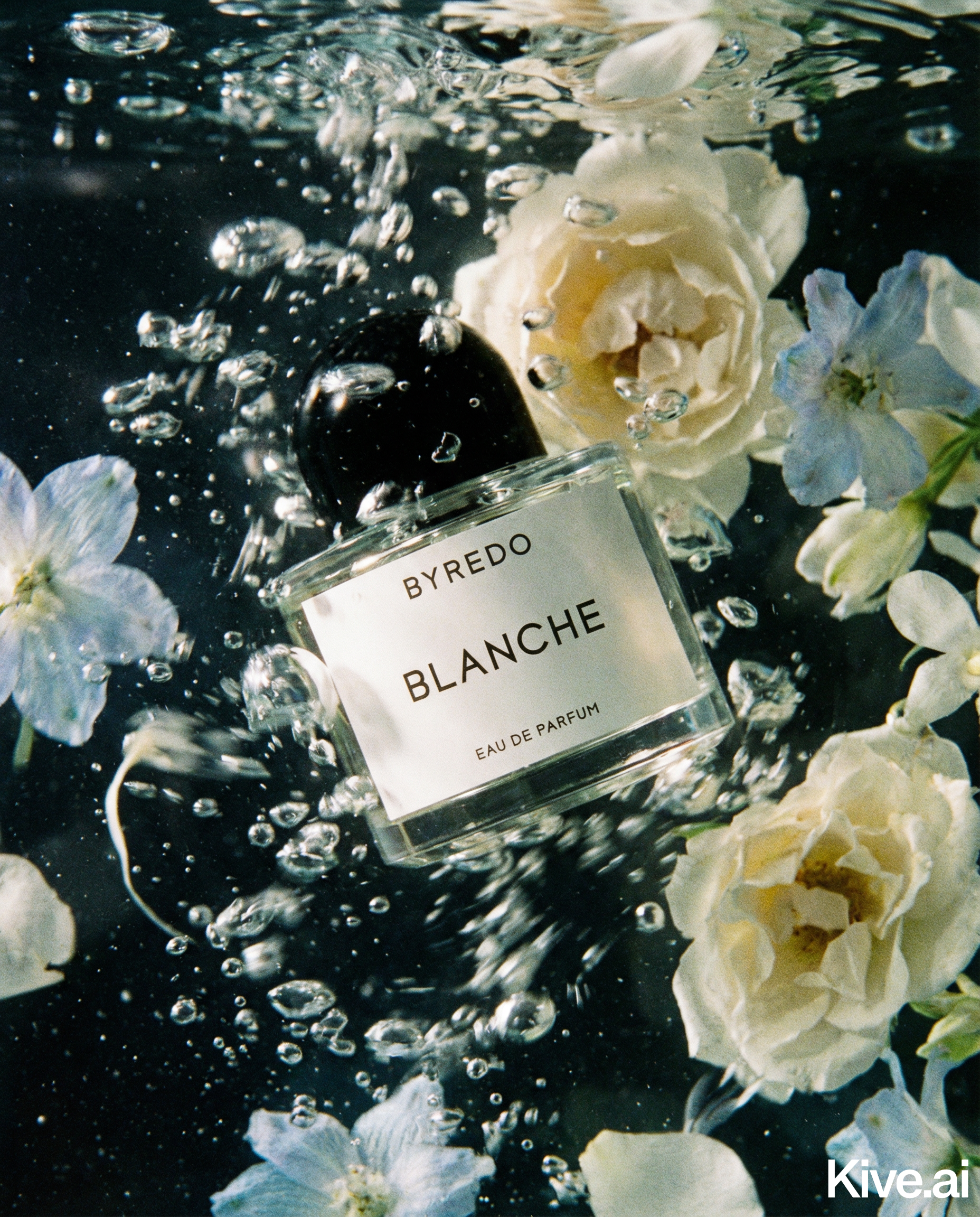
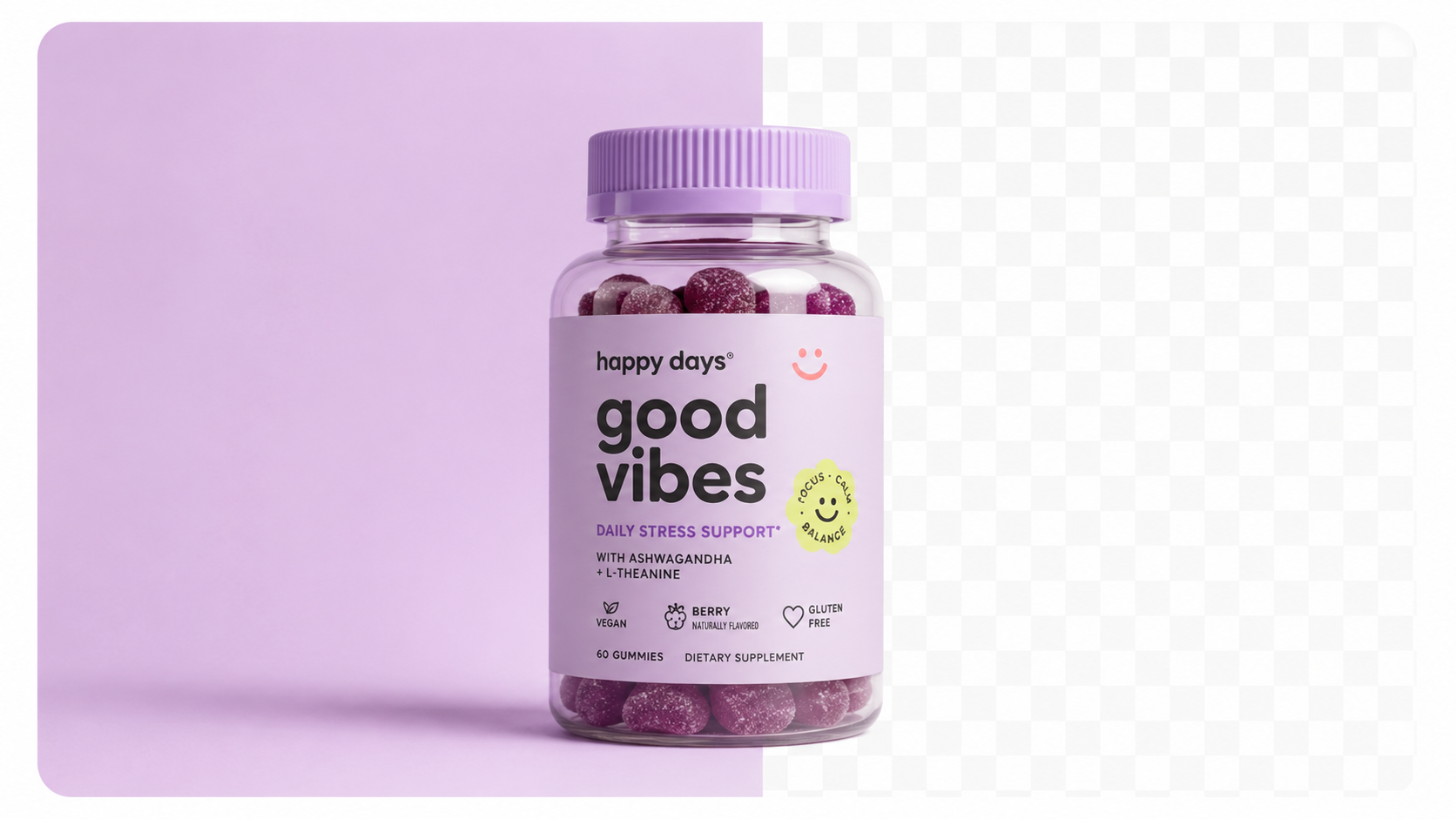
An AI product studio like Sellable generates photorealistic product imagery from a source photograph. The output is designed to be indistinguishable from professional photography — with accurate lighting, shadows, reflections, and scene realism.
This is a completely different technical approach and output category from graphic design:
Sellable doesn't add design elements to an image. It generates a photographic scene that would be impossible to distinguish from studio photography.
Canva's AI image generation (Magic Studio) can generate images from text prompts, but the outputs are illustrative or stylised — not the photorealistic product imagery that converts on ecommerce platforms.
Specific limitations for product photography:
Sellable turns a single product photo into studio-quality images, cinematic video, and on-brand campaigns — in under 60 seconds.
Get started free →The confusion in the market: Canva is used by millions of ecommerce sellers, and many have tried using its AI features for product photography. The results consistently look designed, not photographed — and buyers can tell the difference.
| Feature | Canva | Sellable |
|---|---|---|
| Graphic design and templates | Excellent | Not applicable |
| Text overlay and branding | Excellent | Not applicable |
| Photorealistic product photography | Limited | Excellent |
| Material-accurate rendering | No | Yes |
| Catalogue consistency tools | No | Yes |
| Bulk processing pipeline | No | Yes |
| Amazon/Shopify compliant output | Limited | Yes |
| Per-image photography quality | Illustrative | Professional |
| Price | $15–$30/month | $49–$149/month |
The most effective content workflow for ecommerce brands uses both tools for what they each do well:
This combination gives you the photographic foundation (Sellable) and the design flexibility (Canva) to cover every content need without either tool trying to do what the other does better.
Use Canva if:
- Your primary need is text-forward marketing content (social posts, banners, emails)
- You need to add brand elements and messaging to existing photography
- You're creating presentations, infographics, or non-photography content
Use Sellable if:
- You need photorealistic product imagery for listings and ads
- You're building a consistent visual catalogue
- Your existing product photography is insufficient for conversion
- You want to replace or reduce traditional photography costs
Use both if:
- You're a serious ecommerce brand with full content needs across photography and design
- You need product imagery that converts plus marketing materials that communicate
Start generating photorealistic product images with Sellable →
Cost & Comparisons Cost & Comparisons Cost & Comparisons Cost & Comparisons Cost & Comparisons Cost & Comparisons Cost & Comparisons Cost & Comparisons Cost & Comparisons Product Description Generator Hashtag Generator Ad Headline Generator Product Title Generator Product Bullet Point Generator Collection Description Generator Facebook Ad Copy Generator TikTok Ad Script Generator Google Shopping Ad Generator Sign up for free and transform your product photography with Sellable.
Get started for free