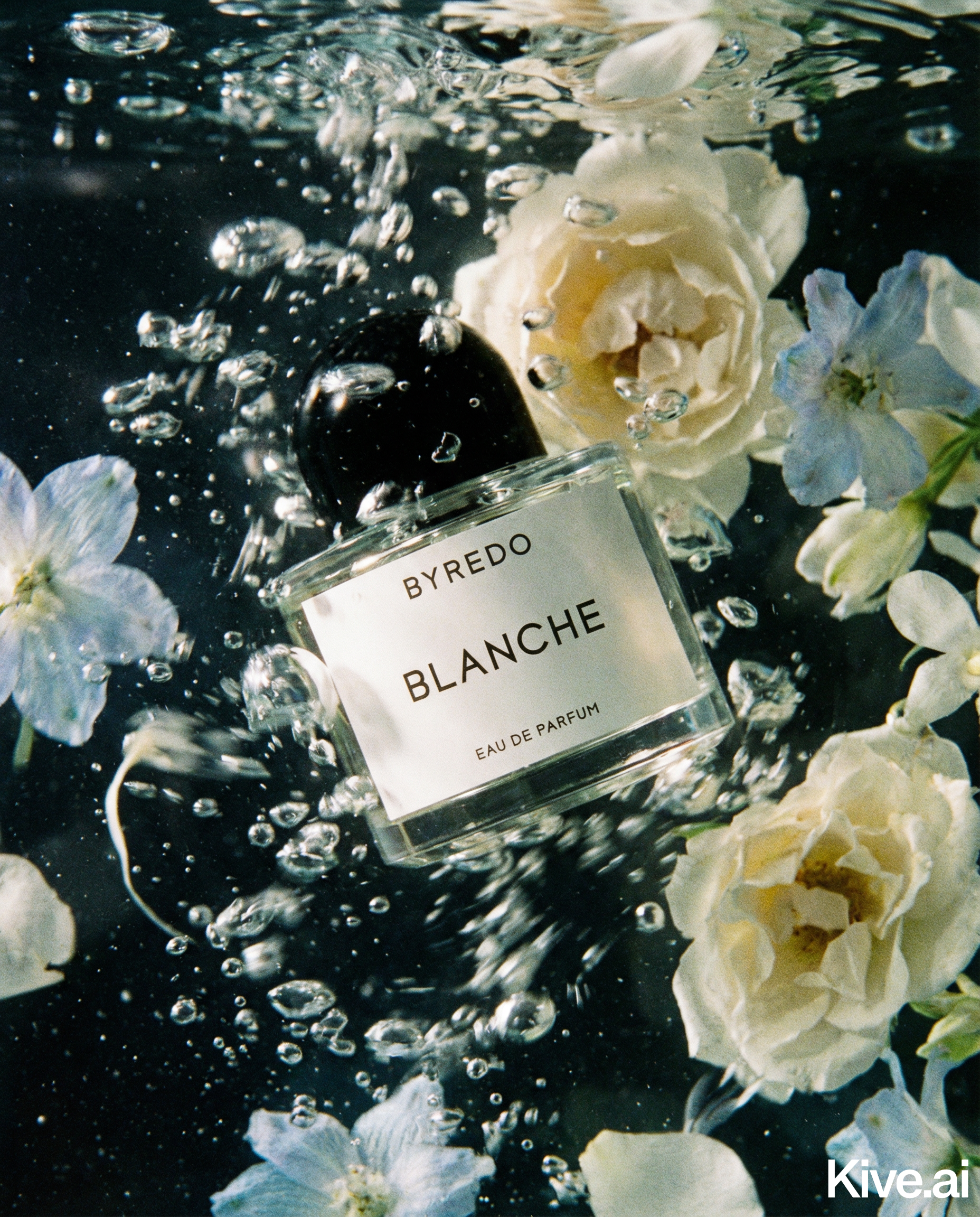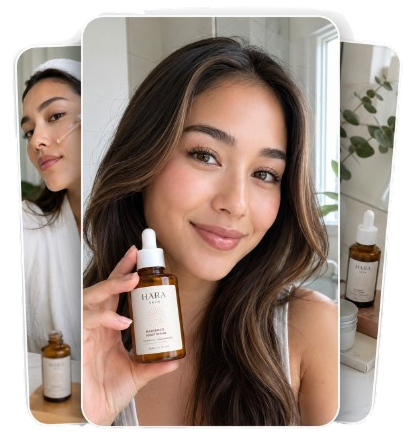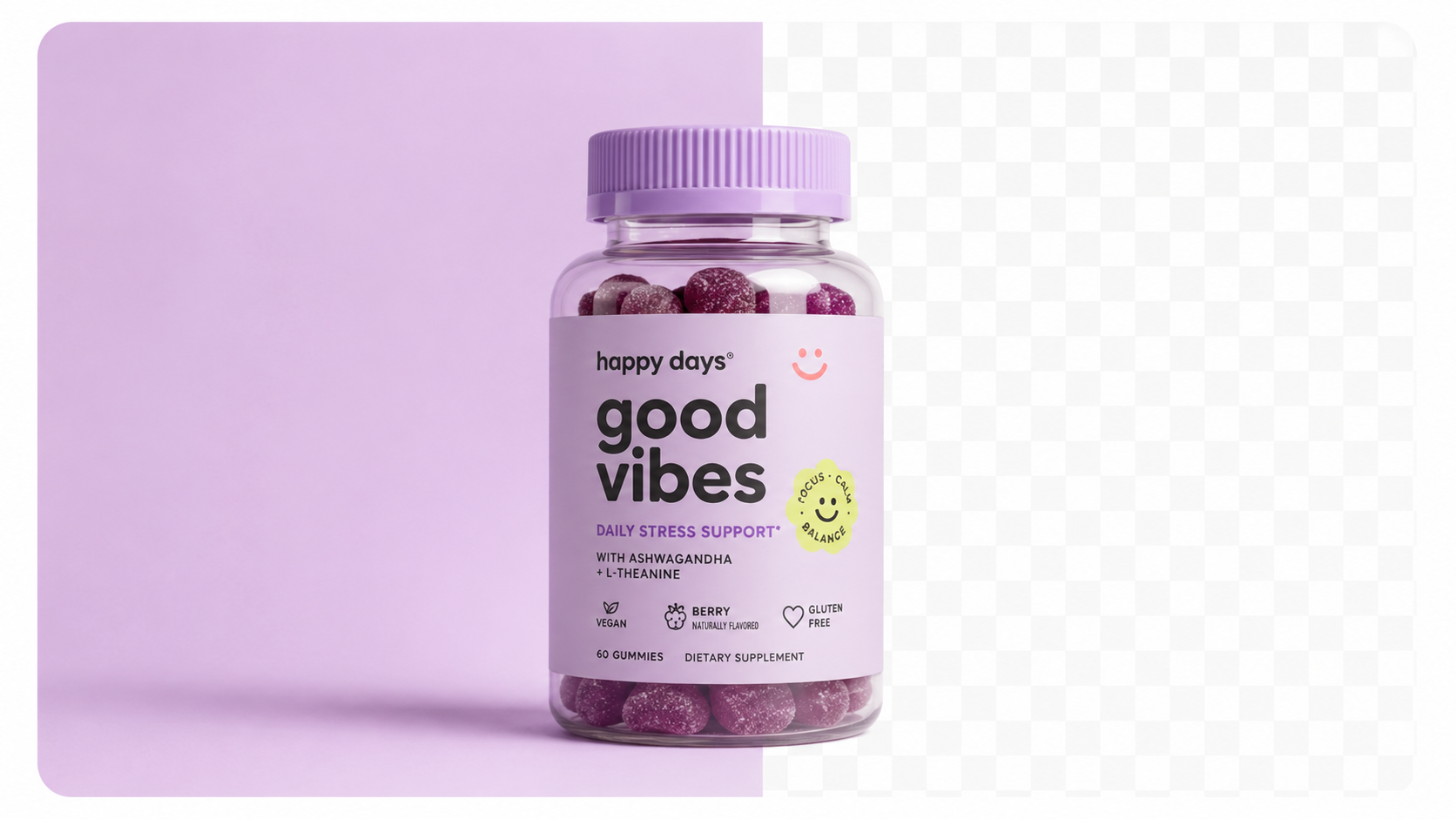
Getting specs right ensures your images display sharply across all devices.
| Format | Dimensions | Aspect ratio |
|---|---|---|
| Square feed post | 1080 × 1080px | 1:1 |
| Portrait feed post | 1080 × 1350px | 4:5 |
| Landscape feed post | 1080 × 566px | 1.91:1 |
| Stories / Reels | 1080 × 1920px | 9:16 |
| Carousel | 1080 × 1080px (consistent) | 1:1 |
For product photography, 4:5 portrait (1080×1350px) takes up the most vertical space in the feed, meaning more screen real estate and more attention.
Instagram compresses images heavily. Always upload at 1080px wide and use JPEG at 85–90% quality — higher file sizes don't preserve quality after Instagram's compression.
Your Instagram feed is your brand's visual shop window. For product brands, a high-performing feed typically mixes:
Carousel posts (swipeable multi-image posts) consistently receive the highest engagement rates on Instagram. Use them to: - Show all angles of a product - Tell a before/after story (raw material → finished product) - Show a product in multiple colour variants - Create a step-by-step tutorial using the product
Reels are Instagram's highest-reach format. Even simple product Reels outperform static posts in reach.
Sellable turns a single product photo into studio-quality images, cinematic video, and on-brand campaigns — in under 60 seconds.
Get started free →Effective product Reels formats: - Unboxing / reveal: Package opening with product reveal - Before/after: Raw materials or plain photo → finished/styled product - 360 orbit: Product slowly rotating in a well-lit setup (or AI-generated orbit) - Flat lay build: Products and props laid out in real time - "How it's made": Process footage behind your product
First 1–2 seconds are critical for Reels — show the product immediately, not a slow intro.
Instagram Shopping lets you tag products directly in posts, Stories, and Reels, linking to your product page.
Requirements: - Comply with Instagram's Commerce Policies - Products must be physical goods (no services, digital products) - Connected to a Facebook catalogue (via Shopify, WooCommerce, or Meta Commerce Manager) - Account must be a Business or Creator account
Images used for Shopping tags should be clean, clearly showing the tagged product. Avoid busy backgrounds for shopping-tagged images — the product needs to be immediately identifiable.
Consistency is the most underrated growth lever for product brands on Instagram. A cohesive feed:
Elements to keep consistent: - Background colour palette: 2–3 colours used across all shots - Lighting style: Warm/soft, cool/minimal, natural/editorial — pick one - Crop and composition: Similar amount of product in frame, similar angles - Editing preset: Same Lightroom or Photoshop preset applied to all
Sellable makes consistency easier — generate all your backgrounds in the same scene style so every product image automatically matches your brand palette.
Platform Guides Bulk & Automation Cost & Comparisons Bulk & Automation Industry Guides Cost & Comparisons Platform Guides Bulk & Automation Platform Guides Product Description Generator Hashtag Generator Ad Headline Generator Product Title Generator Product Bullet Point Generator Collection Description Generator Facebook Ad Copy Generator TikTok Ad Script Generator Google Shopping Ad Generator Sign up for free and transform your product photography with Sellable.
Get started for free