Clothing photography uses three core approaches, and your choice affects both production cost and conversion rate:
| Technique | Cost | Conversion | Best for |
|---|---|---|---|
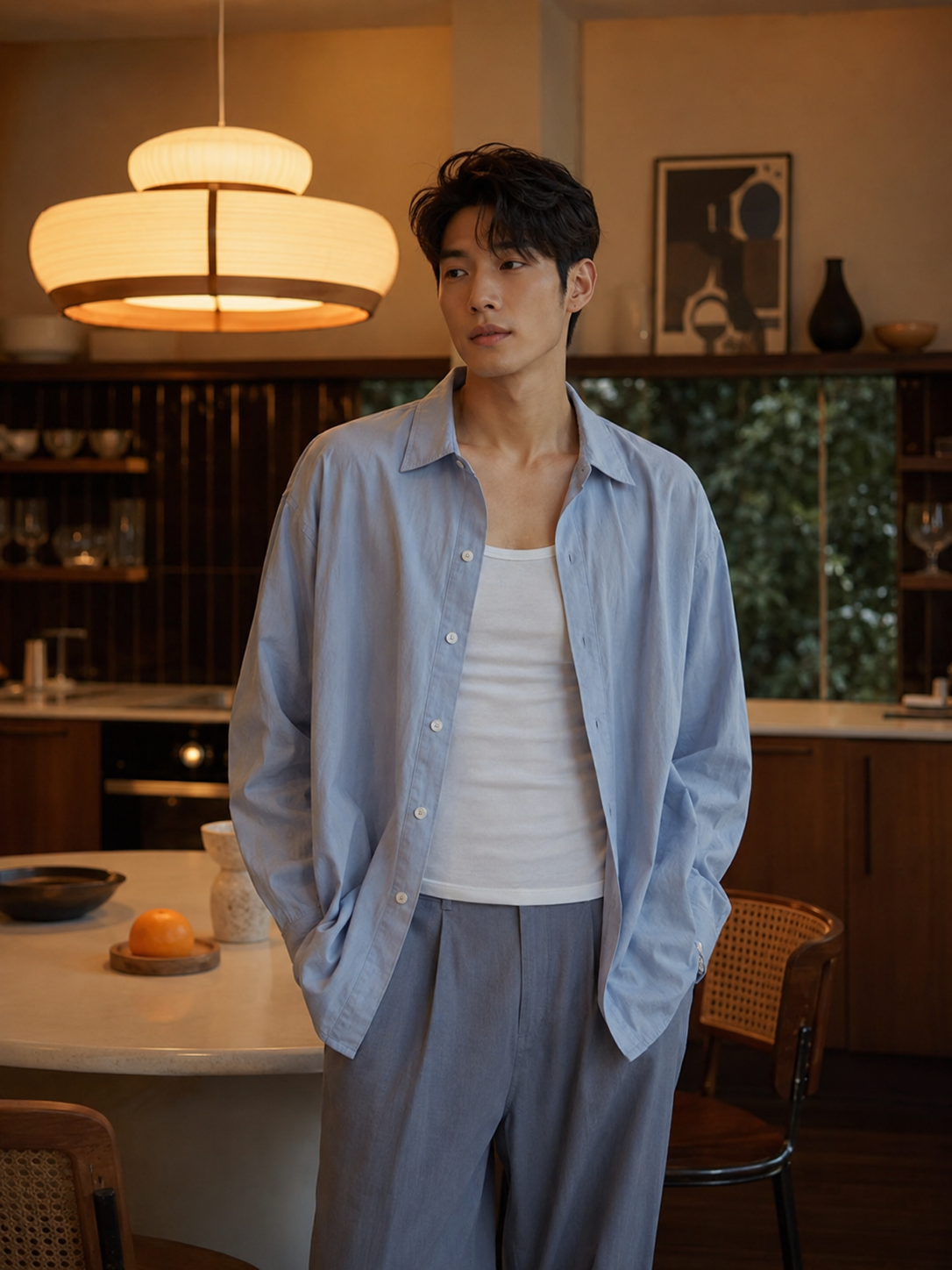
| On-model | High | Highest | Fashion, fit-dependent items |
| Ghost mannequin | Medium | High | Structured garments, jackets |
| Flat lay | Low | Medium | Casual wear, accessories |
On-model photography shows fit and movement, which reduces returns. If budget is limited, hire a model for hero shots and use flat lay for secondary images.
Ghost mannequin (also called invisible mannequin) uses a combination of shots — front, back, inside collar — composited in Photoshop to create the illusion of a body-shaped garment with no visible mannequin.
Flat lay is the fastest and cheapest method. Lay the garment on a flat surface, smooth it out, and shoot from directly above.
This step is often skipped and it's the biggest mistake in clothing photography:
Sellable turns a single product photo into studio-quality images, cinematic video, and on-brand campaigns — in under 60 seconds.
Get started free →A simple two-light setup works for most clothing:
For flat lays, shooting by a large north-facing window gives you even, shadow-free light without any equipment.
Avoid direct sunlight — it creates harsh shadows and can shift fabric colours toward warm/yellow.
| Spec | Recommendation |
|---|---|
| Dimensions | 2048 × 2048px minimum |
| Aspect ratio | 1:1 (square) for consistency |
| File format | JPEG (quality 85–90%) |
| Background | White (#FFFFFF) or consistent light grey |
| Max file size | Under 4MB |
Shopify's zoom feature requires at least 2048px on the shortest edge to look sharp.
For lifestyle variants, Sellable can take a flat lay or mannequin shot and generate outdoor, café, or urban backgrounds around the garment — no model booking required.
Product Photography Guides Product Photography Guides Product Photography Guides Product Photography Guides Product Photography Guides Product Photography Guides Product Photography Guides Product Photography Guides Product Photography Guides Product Description Generator Hashtag Generator Ad Headline Generator Product Title Generator Product Bullet Point Generator Collection Description Generator Facebook Ad Copy Generator TikTok Ad Script Generator Google Shopping Ad Generator Sign up for free and transform your product photography with Sellable.
Get started for free