Every shoe listing should include at least these five shots:
For premium footwear, add a 45° three-quarter view and a detail shot of any notable features (stitching, hardware, logo).
Clean shoes photograph dramatically better than unwashed samples:
Sellable turns a single product photo into studio-quality images, cinematic video, and on-brand campaigns — in under 60 seconds.
Get started free →| Material | Lighting approach |
|---|---|
| Smooth leather | Directional light at 45° to show texture and sheen |
| Suede / nubuck | Broad diffused light to prevent harsh shadows |
| Patent leather | Wrap lighting (light from multiple angles) to control reflections |
| Canvas / fabric | Any diffused setup works well |
| Metallic / glitter | Single directional light to make sparkle pop |
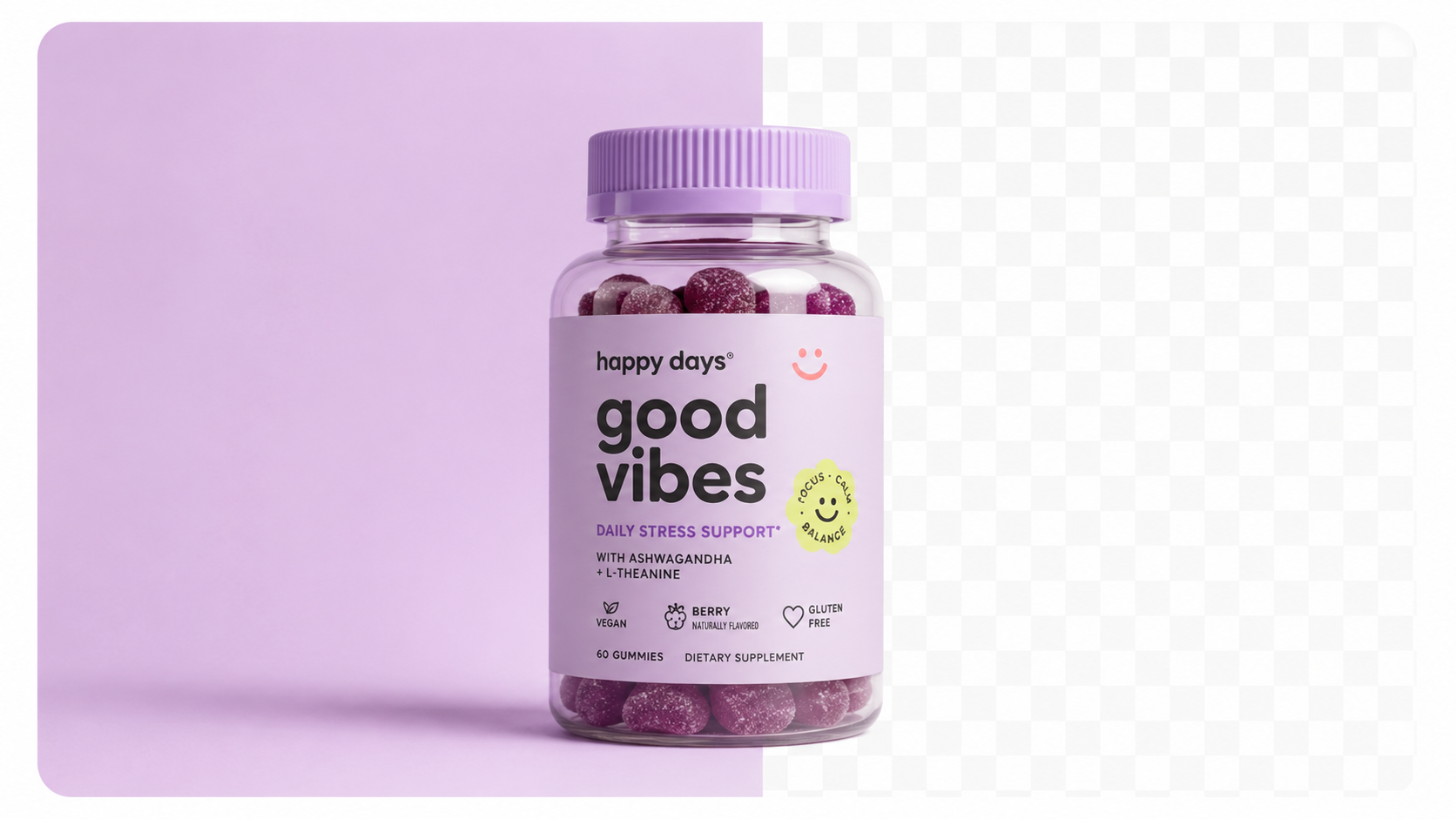
White background is required for Amazon and most Google Shopping feeds. For secondary shots and lifestyle use:
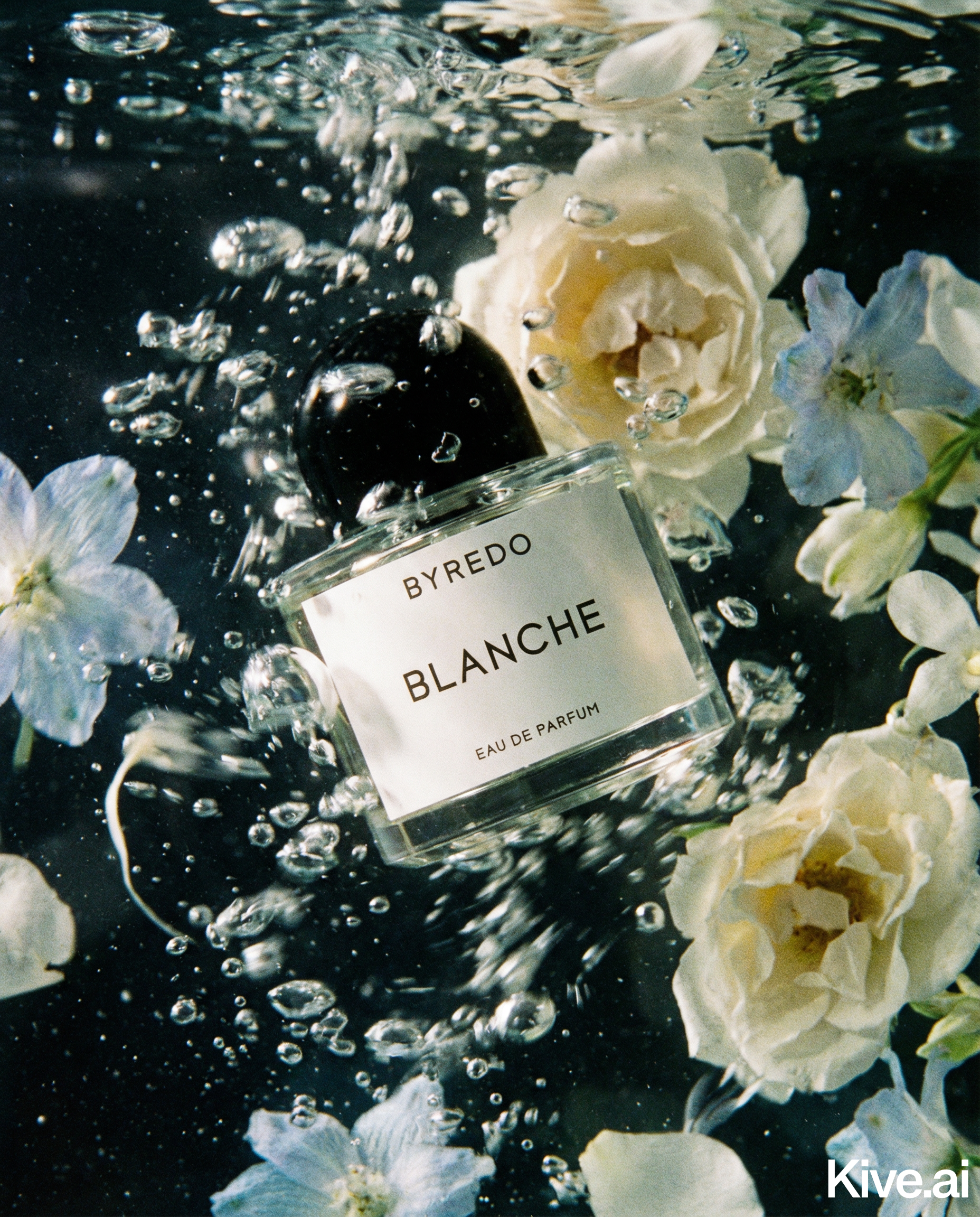
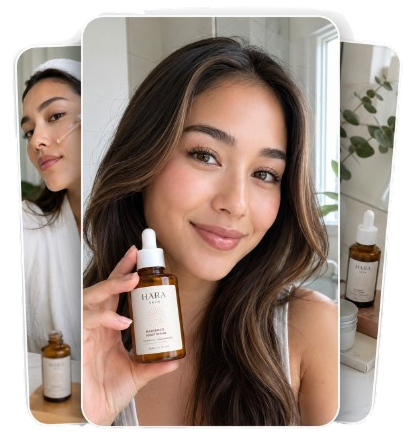
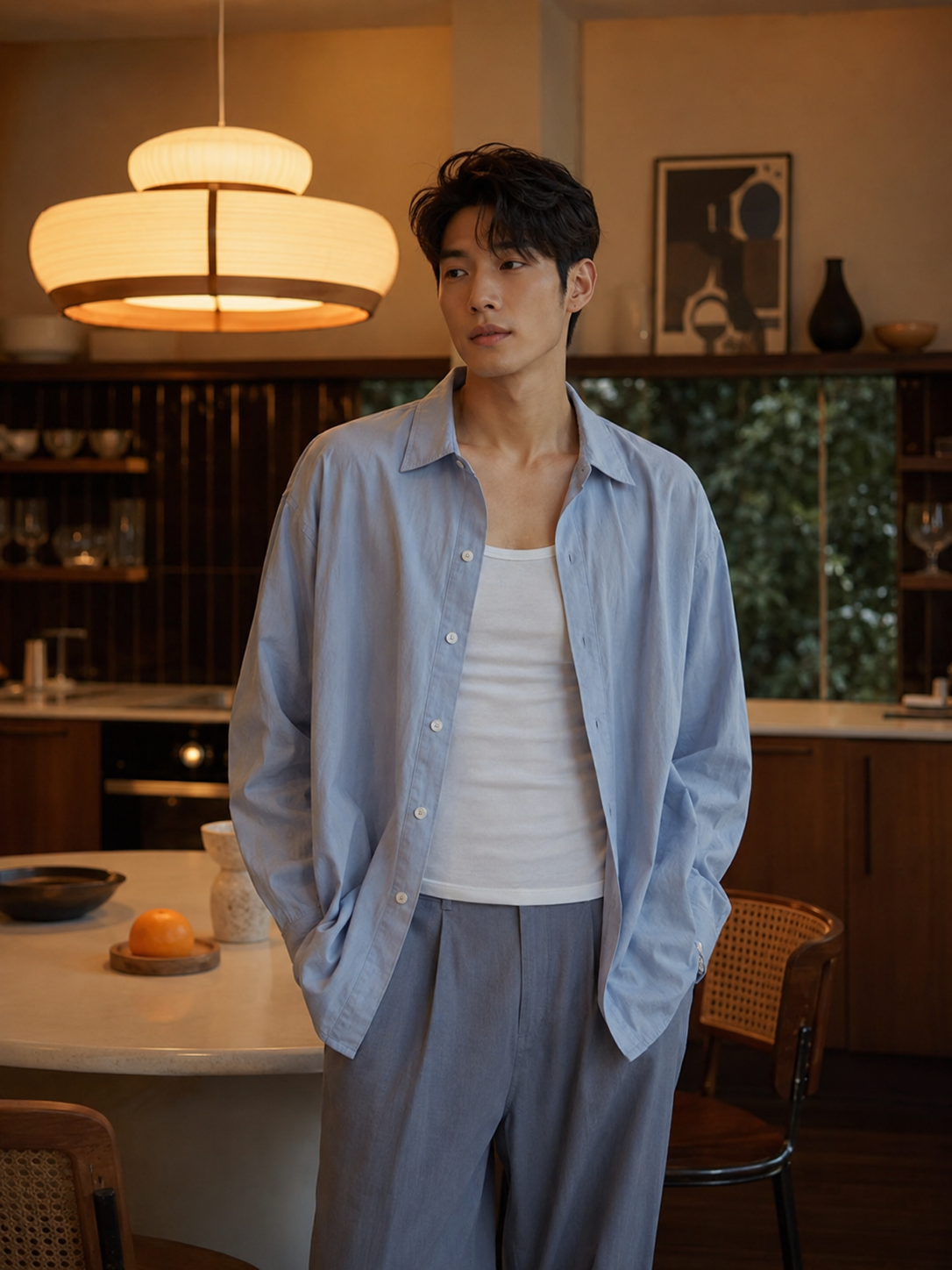
For lifestyle backgrounds, Sellable can drop cleaned product shots into street scenes, interior settings, or seasonal environments without a full location shoot.
Product Photography Guides Product Photography Guides Product Photography Guides Product Photography Guides Product Photography Guides Product Photography Guides Product Photography Guides Product Photography Guides Product Photography Guides Product Description Generator Hashtag Generator Ad Headline Generator Product Title Generator Product Bullet Point Generator Collection Description Generator Facebook Ad Copy Generator TikTok Ad Script Generator Google Shopping Ad Generator Sign up for free and transform your product photography with Sellable.
Get started for free