DIY Tutorials
Sellable Article

How to Take Product Photos Without a Studio

Sellable Team · October 22, 2025 · 5 min read
Sellable Blog

Finding the right location

The right location shares four properties with a studio: good light, a neutral surface, enough space, and quiet (so you can concentrate). Look for:

  • Cafés with large windows before they open — many photographers pay for a coffee and shoot for an hour
  • Apartment building rooftops — open sky light with clean backgrounds
  • Your own kitchen or bathroom — clean surfaces and often the best natural light in a home
  • Outdoor covered areas (a covered patio, under a tree in shade) — shade gives soft, diffused light outdoors

The key is to go where the light is. Don't try to fight bad light with equipment.

Portable backgrounds

Studio-like backgrounds you can carry anywhere:

BackgroundWeightCostBest for
White foam core boardLight$3–5Most products
Vinyl backdrop (rolled)Medium$15–30Fashion, larger items
Kraft paper rollLight$10Rustic/artisan products
Fabric swatchVery light$5–15Lifestyle and beauty products

Two pieces of white foam core (one as surface, one as sweep background) fit in a large tote bag and set up in 2 minutes.

Controlling light without studio gear

The Sellable Platform

Free tools are
just the start.

Sellable's platform turns a single product photo into studio-quality images, cinematic video, and on-brand campaigns — generated, refined on the canvas, and published straight to your store.

Studio photos & video from one product image
Train your brand style for consistent output
Bulk-generate and push to Shopify in one click
Get started free →
My Brand · Studio Generate
✓ On-brand
  • Windows: Position your product perpendicular to the window so light comes in from the side
  • Reflectors: A white piece of card or foam core bounces light back into shadows — nearly as effective as a professional reflector
  • Diffusion: White shower curtain or sheer fabric over a window softens harsh direct sunlight
  • Black card: Placed on the shadow side, it deepens shadows for a more dramatic look (useful for luxury products)

AI background replacement

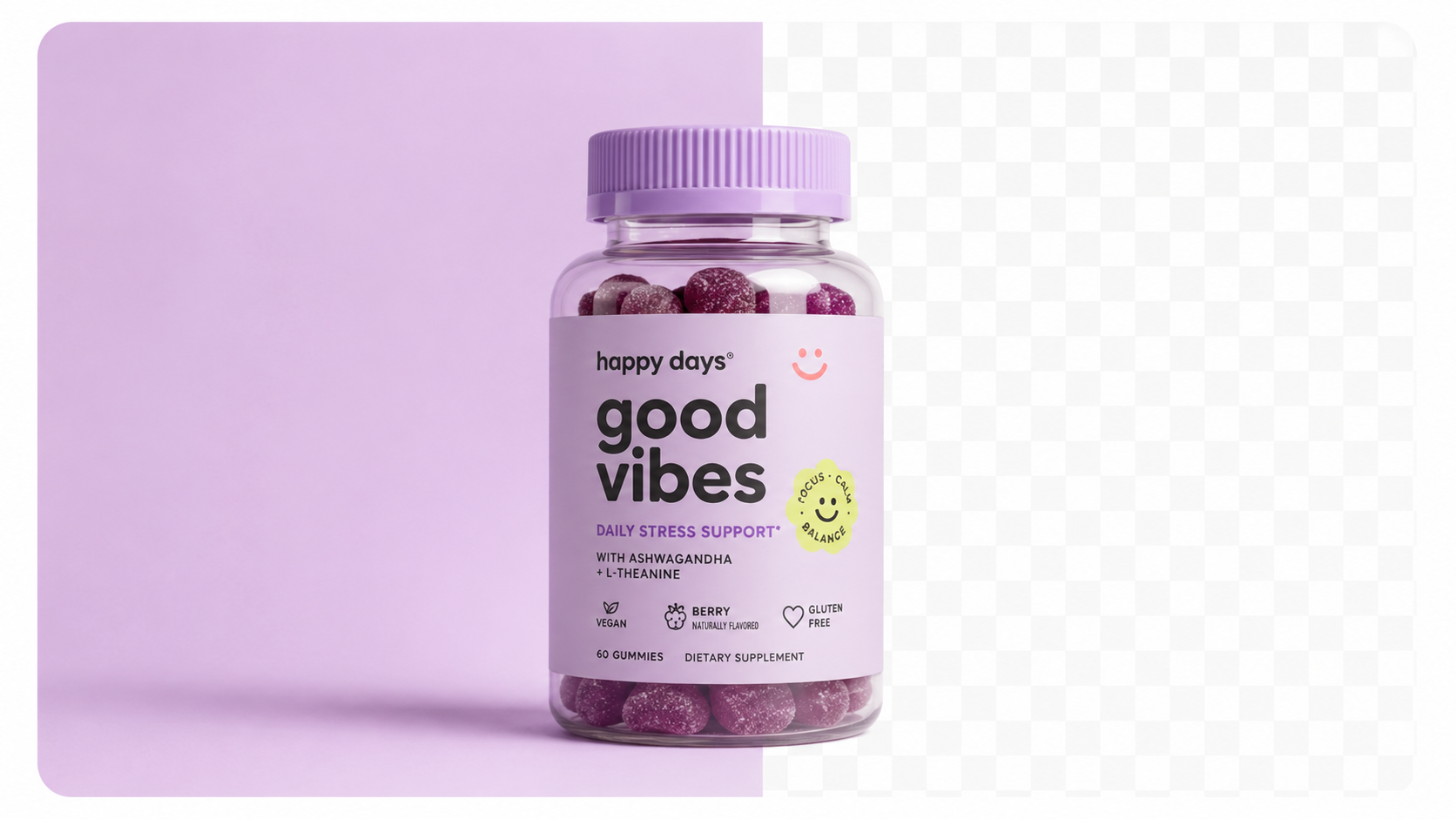
If you can get a clean shot of your product with reasonable separation from the background, AI can do the rest:

  1. 1.Shoot against any clean, consistent background (even light grey, blue, or tan)
  2. 2.Use a background removal tool to isolate the product
  3. 3.Use Sellable to place it in any scene — marble counter, outdoor garden, luxury interior

This workflow means your "studio" is literally anywhere you can get a clear, sharp, well-lit shot of your product.

Outdoor product photography

Outdoor locations offer free, beautiful light and real-world context. Tips:

  • Shoot in open shade (under a tree, on the shaded side of a building) — direct sun creates harsh shadows
  • Shoot on overcast days for the most even, shadow-free light
  • Use a portable white card as a reflector to fill any residual shadows
  • Watch your background — outdoor settings can have distracting elements (cars, power lines) that need to be cropped or removed

Try Sellable free →

no studio photographyDIY photographyproduct photographyhome photographybudget photography
More Articles
Free Tools

Ready to get started?

Sign up for free and transform your product photography with Sellable.

Get started for free