| Item | Price |
|---|---|
| 2× LED panel lights (with adjustable brightness, 5500K) | $40–50 |
| Mini tabletop tripod or flexible tripod | $15–20 |
| White foam core boards (×6) | $15 |
| White seamless paper sweep (60cm wide roll) | $10–15 |
| Backdrop clips or binder clips | $5 |
| Total | $85–105 |
Use your smartphone as the camera. If you already have one of the camera items from around the house, adjust the budget accordingly.
You need a table with at least 60cm of depth and clear access from the front. Here's the layout:
This creates the "infinity sweep" look that most commercial product photos use — no visible corner where the surface meets the background.
Position your two LED panels:
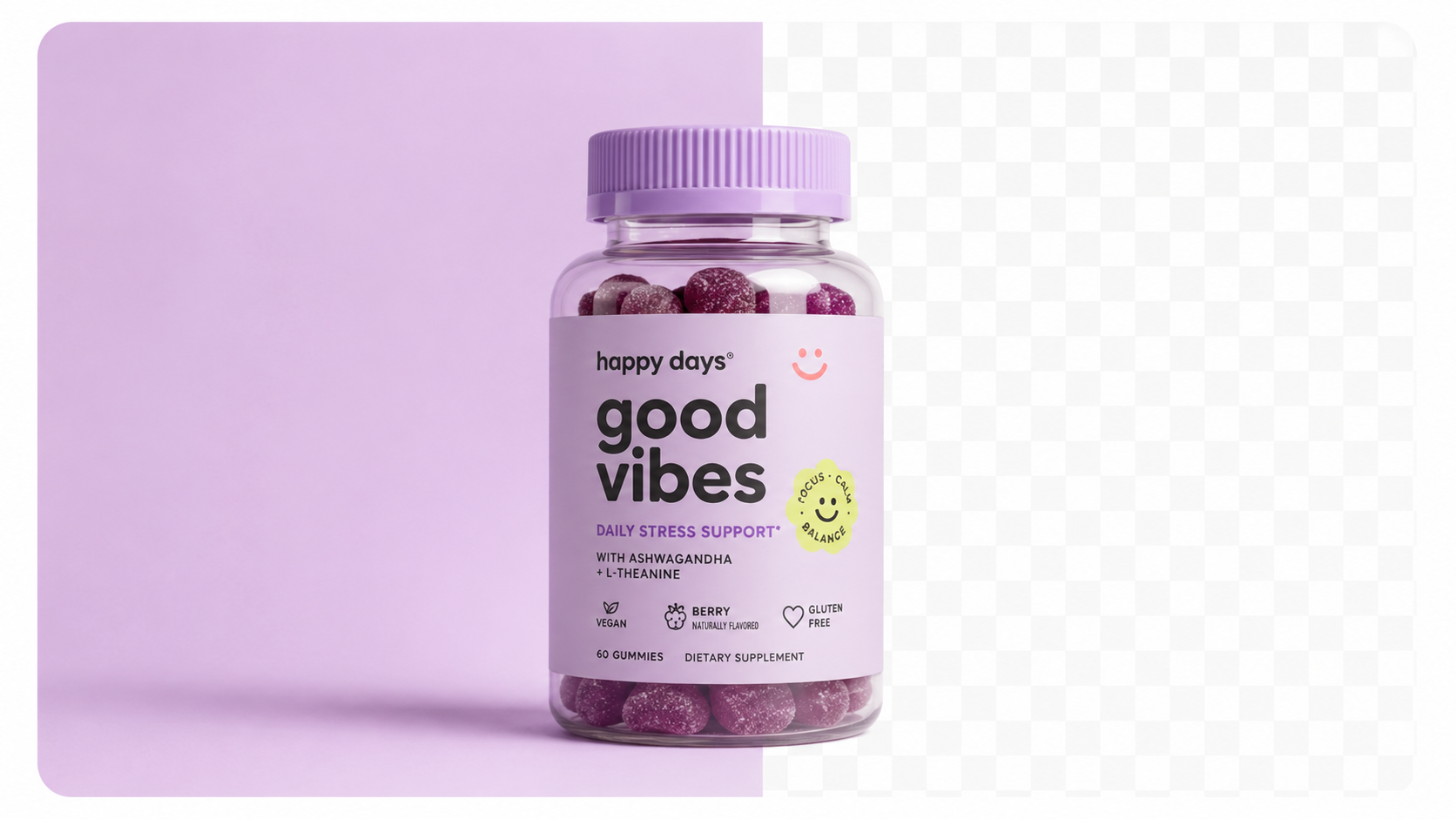
Sellable turns a single product photo into studio-quality images, cinematic video, and on-brand campaigns — in under 60 seconds.
Get started free →Both lights should be aimed at the product, not the background. If your background looks grey, move the lights forward slightly or add a third piece of white foam core as a bounce behind the product.
| Adjustment | Effect |
|---|---|
| Move key light closer | More brightness and contrast |
| Move fill light further | More shadow, more dimensionality |
| Add white card behind product | Brightens background |
| Add black card on one side | Deepens shadow for dramatic look |
Using a smartphone: - Lock focus and exposure on the product (long-press on screen) - Turn off HDR mode (flattens lighting) - Use a tripod and the self-timer (2 seconds) to eliminate any camera shake
Using a DSLR: - ISO 100, f/8, shutter speed adjusted to correct exposure (typically 1/60–1/125 under LED lights) - Manual mode for consistent results across the whole shoot
For generating lifestyle and alternate backgrounds from your studio shots, Sellable turns a single clean product photo into multiple professional scene contexts.
DIY Tutorials DIY Tutorials DIY Tutorials DIY Tutorials DIY Tutorials DIY Tutorials DIY Tutorials DIY Tutorials DIY Tutorials Product Description Generator Hashtag Generator Ad Headline Generator Product Title Generator Product Bullet Point Generator Collection Description Generator Facebook Ad Copy Generator TikTok Ad Script Generator Google Shopping Ad Generator Sign up for free and transform your product photography with Sellable.
Get started for free