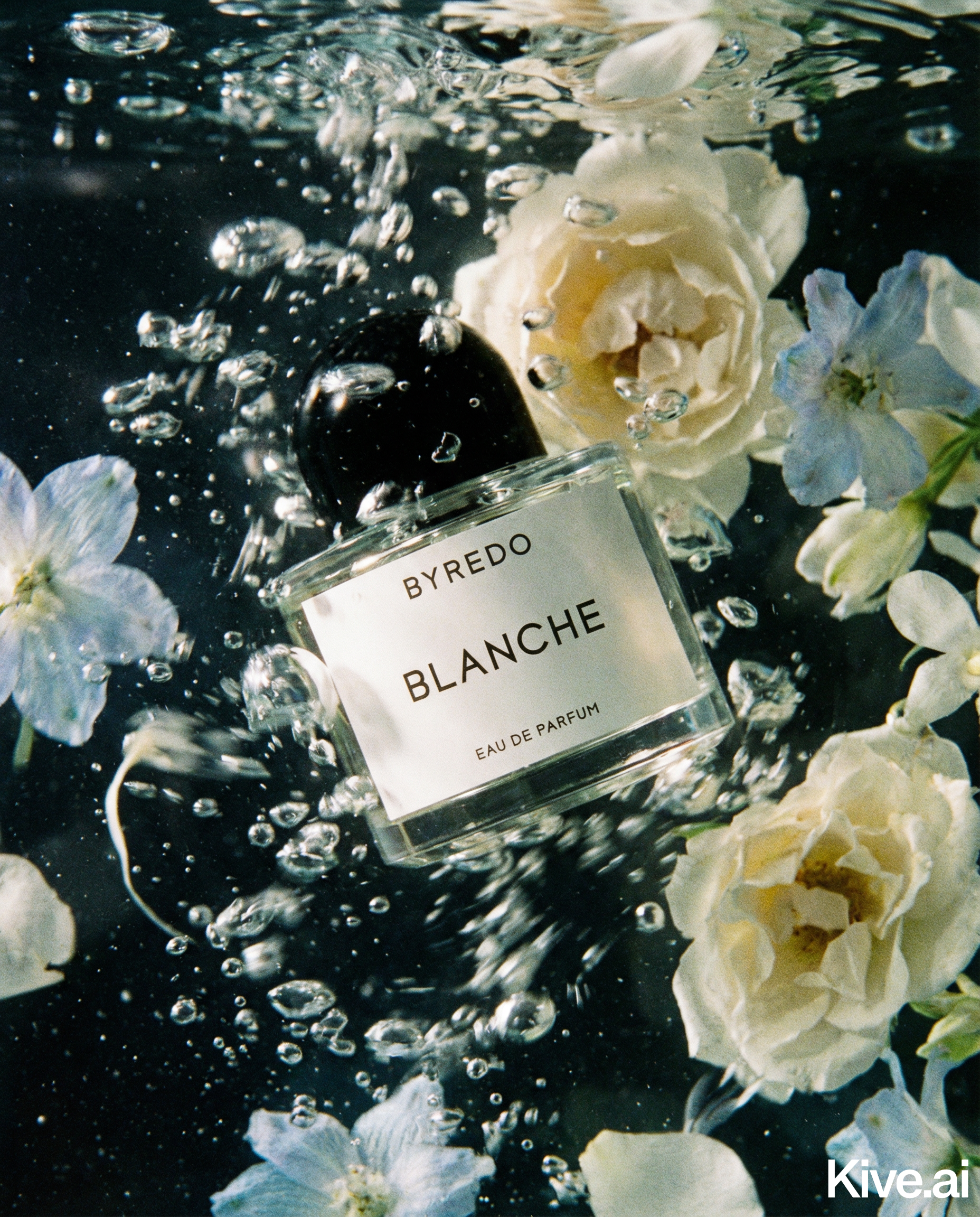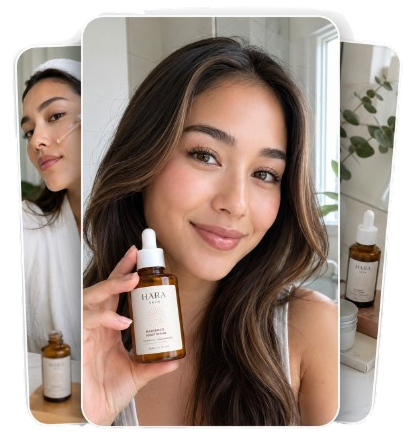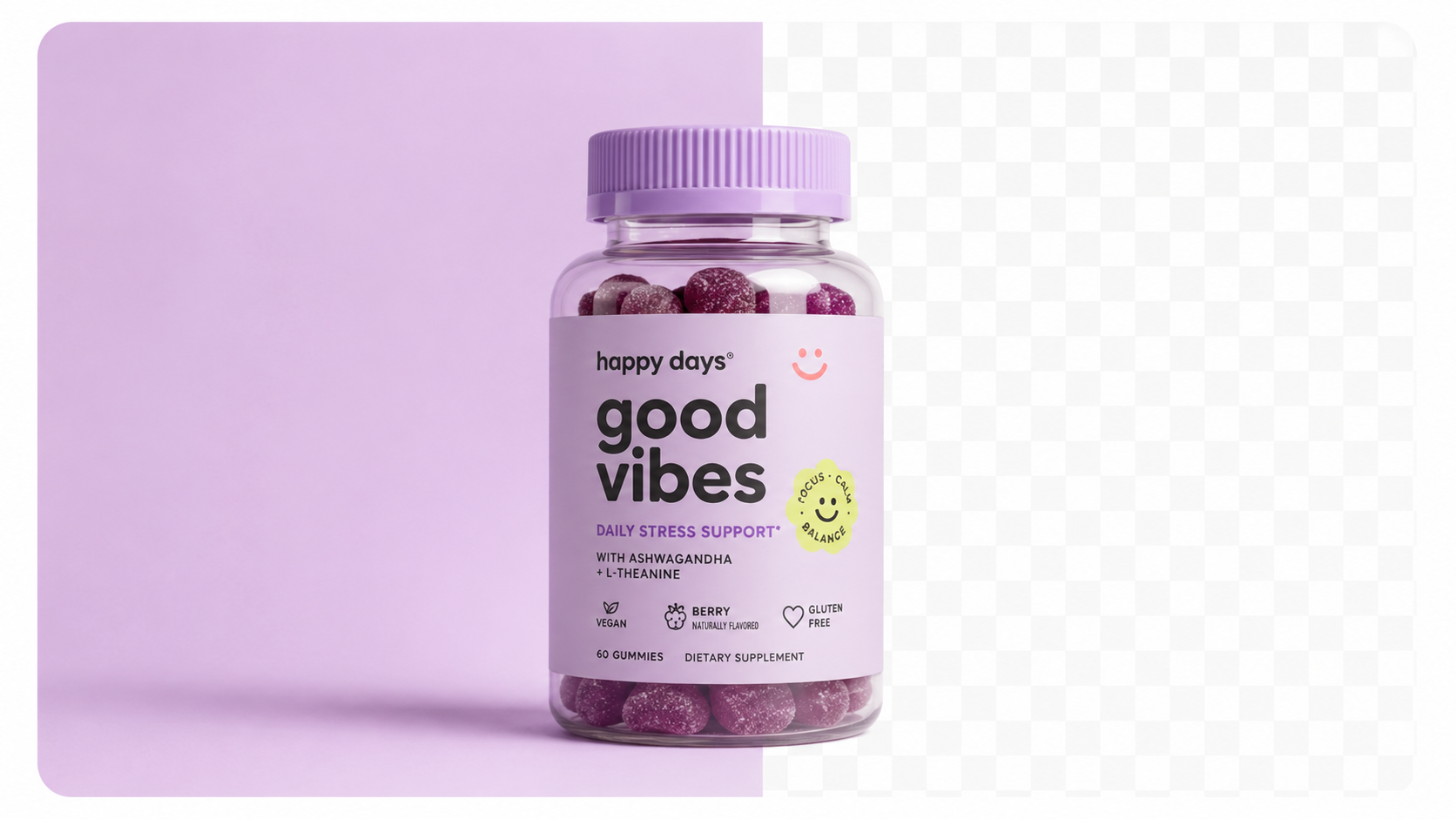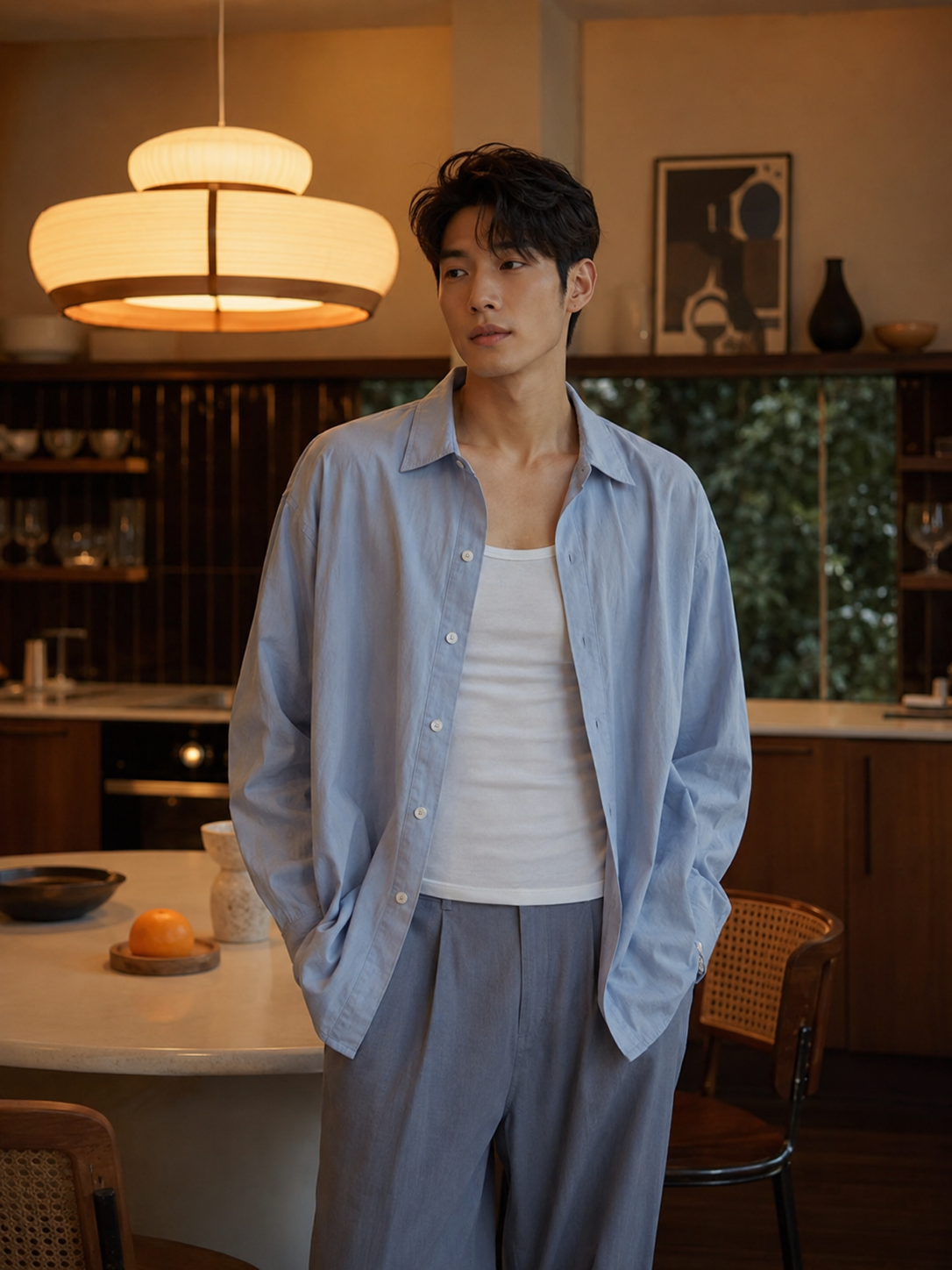
Getting the technical specs right is the foundation. Shopify supports most image formats, but following these guidelines ensures the best display quality:
| Setting | Recommended |
|---|---|
| Dimensions | 2048 × 2048px (square) |
| Minimum | 800 × 800px |
| Format | JPEG (photos), PNG (transparent BG) |
| File size | Under 20MB (aim for under 500KB after compression) |
| Colour space | sRGB |
Square images (1:1 ratio) are standard for Shopify — they display consistently across product grids, collection pages, and mobile. Rectangular images work but can create awkward cropping in some themes.
Enable zoom on your theme. Customers who zoom convert at a higher rate, so 2048px is worth the extra file size (after compression with a tool like Squoosh or TinyPNG).
More photos = more sales. Research consistently shows that products with 4+ images outperform those with 1–2. A practical target:
For high-consideration purchases (jewellery, electronics, apparel), buyers want to see every angle before committing. Each additional image reduces purchase anxiety.
1. Main image — Clean background (white or light grey), product centred, fills 85%+ of the frame. This is what appears in search results and collection pages.
2. Alternate angles — Side, back, top. Show every face of the product, especially anything hidden in the main shot.
Sellable turns a single product photo into studio-quality images, cinematic video, and on-brand campaigns — in under 60 seconds.
Get started free →3. Detail shot — Zoom into the most important feature: texture, stitching, label, mechanism, material quality.
4. Scale shot — Product next to a hand, on a surface, or with a size reference. Customers consistently cite "couldn't judge the size" as a return reason.
5. Lifestyle shot — Product in use or in a contextual environment. Answers the question "what does this look like in my life?"
6. Packaging shot (optional) — If your packaging is a selling point or part of the gift experience, show it.
Inconsistent photography is one of the most common signs of an amateur Shopify store — and customers notice. Aim for:
This doesn't require a professional photographer. It requires a documented style and the discipline to follow it. Create a one-page photography brief with your background colour, light setup, and crop guidelines, and follow it every time you shoot.
For stores with large catalogues, maintaining consistent, high-quality photography across every SKU is the biggest operational challenge. AI product photography tools solve this.
With Sellable, you upload each product photo once and generate: - Clean white or grey background versions for main listing images - Lifestyle scenes for secondary images - Seasonal and campaign variants without a reshoot
For a Shopify store with 50+ products, this replaces weeks of studio time with a few hours of AI generation.
Ecommerce Strategy Ecommerce Strategy Ecommerce Strategy Ecommerce Strategy Comparisons DIY Tutorials Product Photography Guides Platform Guides Industry Guides Product Description Generator Hashtag Generator Ad Headline Generator Product Title Generator Product Bullet Point Generator Collection Description Generator Facebook Ad Copy Generator TikTok Ad Script Generator Google Shopping Ad Generator Sign up for free and transform your product photography with Sellable.
Get started for free