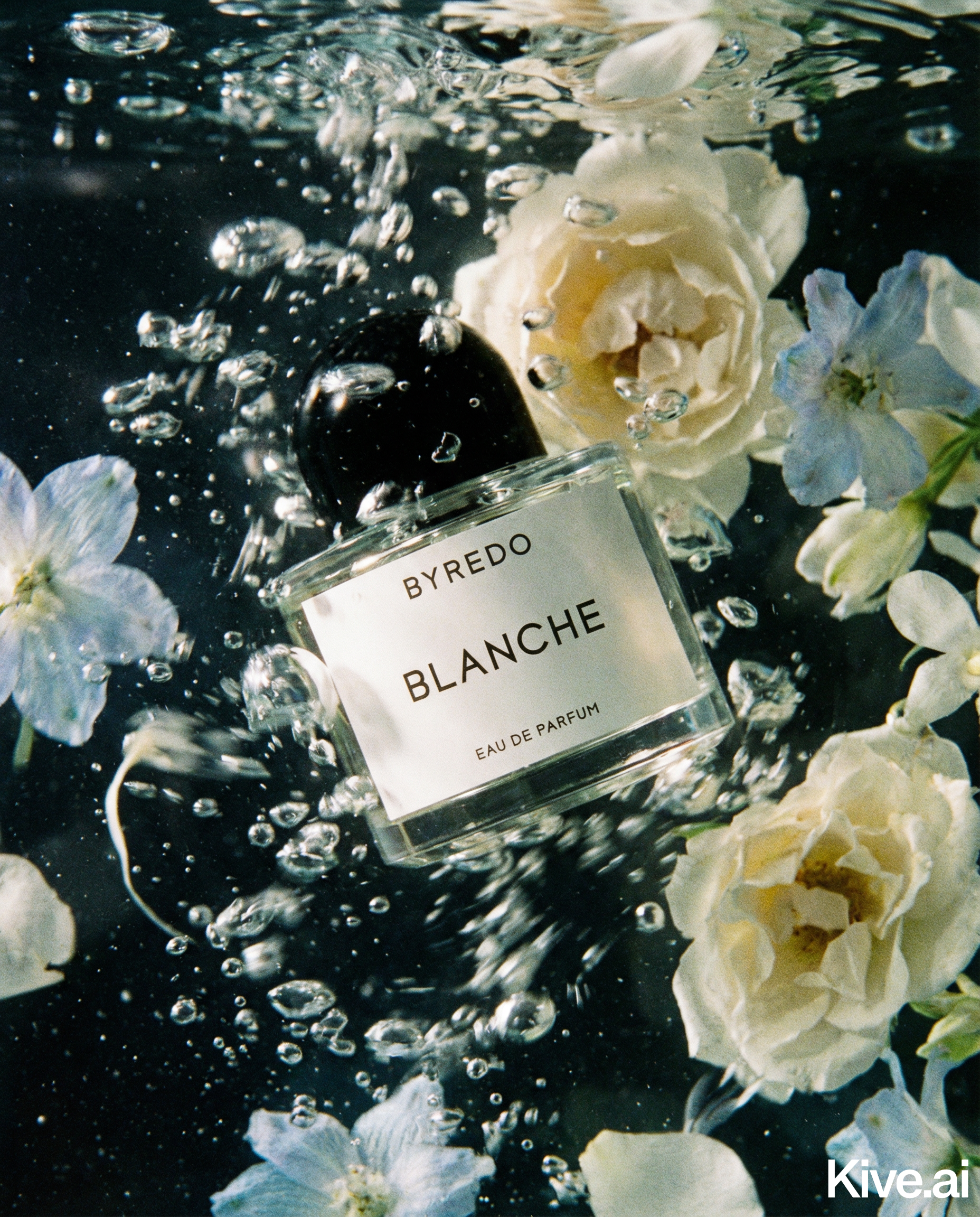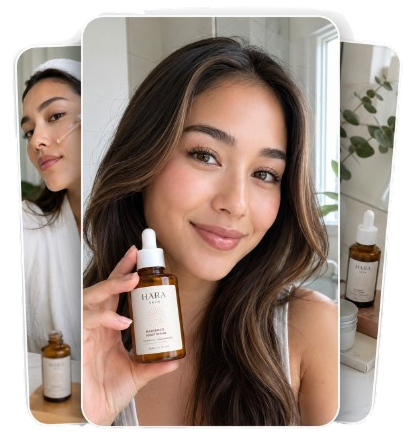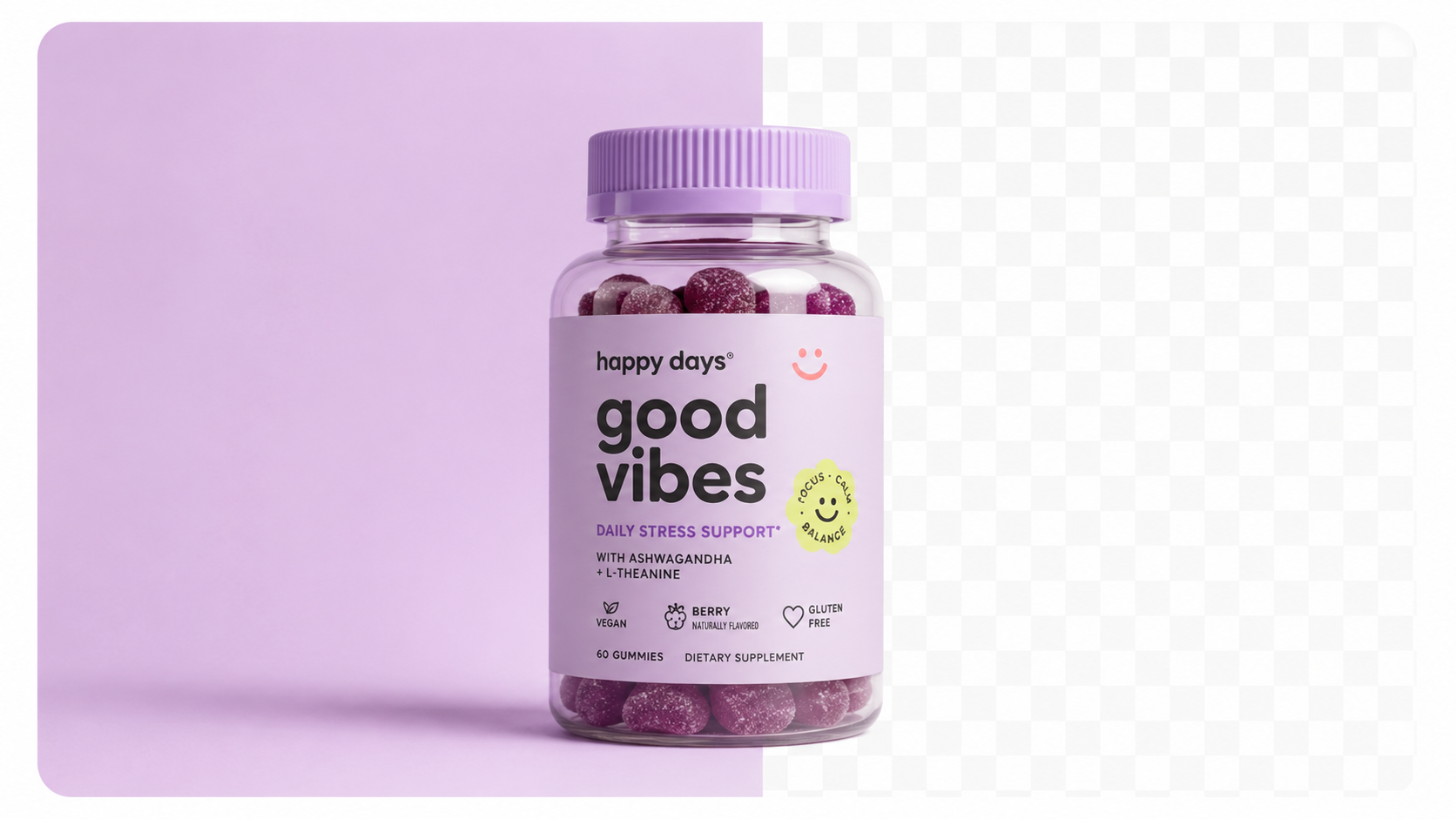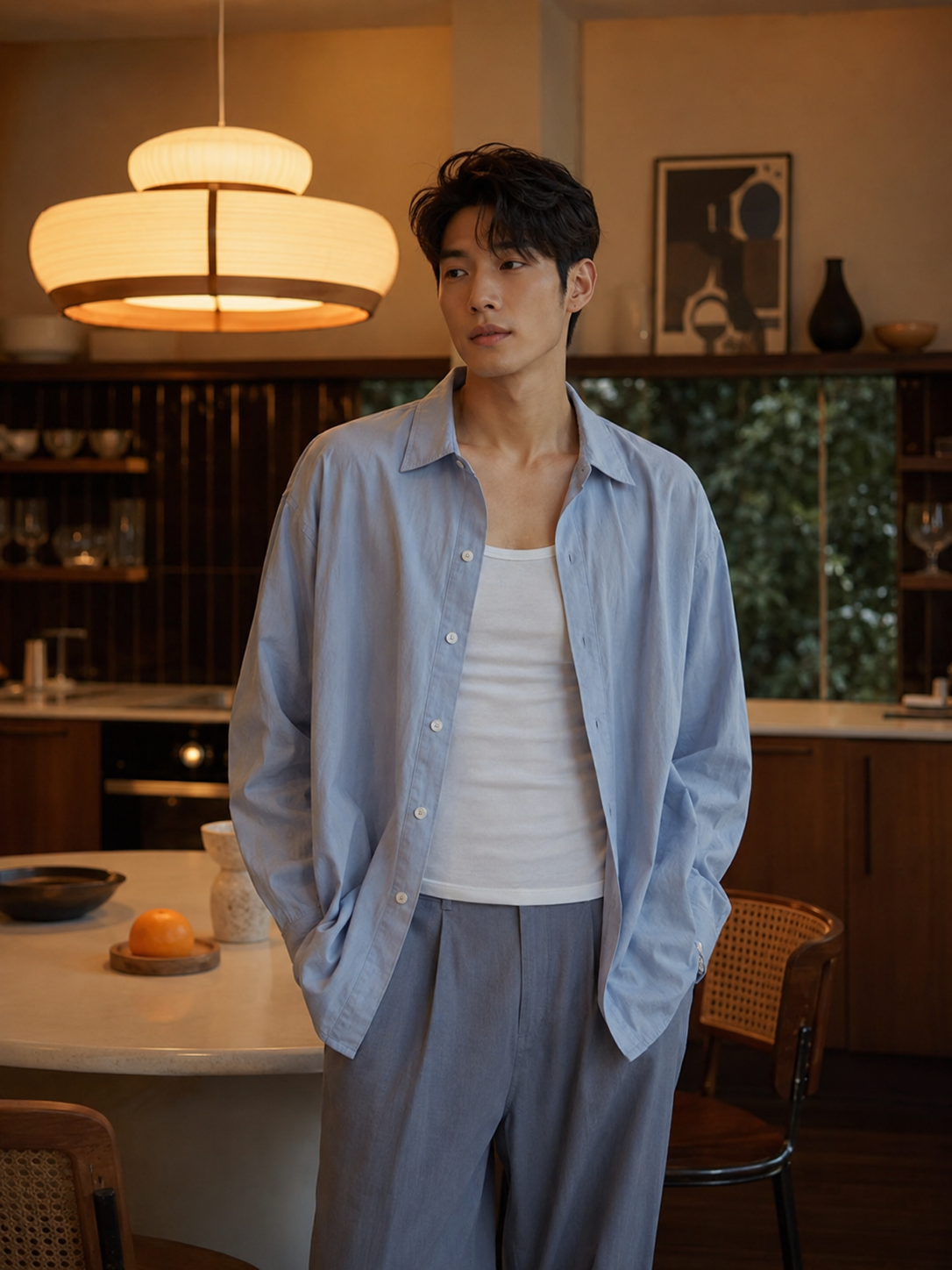
AI product photography uses generative AI models to place your product into photorealistic scenes — marble surfaces, lifestyle kitchens, outdoor settings, studio backdrops — without you needing a camera crew, props, or a studio.
You upload a product image. The AI isolates the product, generates a background or scene, and composites them together with realistic lighting, shadows, and reflections. The output looks like a professional studio shoot because the model has been trained on millions of professional product photographs.
The technology has matured rapidly. Modern AI product photography tools maintain accurate product colours and textures across different scenes — the most critical requirement for ecommerce.
The only input required is one product photo. For best results:
You do not need a professional camera. An iPhone in good lighting produces input images that AI tools can work with effectively.
1. Prepare your product image
Shoot your product on a clean background. If you have a raw photo with a messy background, most AI tools can handle it, but a clean source always produces better output.
Sellable turns a single product photo into studio-quality images, cinematic video, and on-brand campaigns — in under 60 seconds.
Get started free →2. Upload to your AI tool
In Sellable, upload your image via the Photography tool. The background is automatically removed.
3. Choose or write your scene
Select from preset backgrounds (studio, marble, lifestyle, outdoor) or write a custom prompt describing the scene you want.
4. Generate and review
Generation takes under 60 seconds. Review at full resolution — check that labels, logos, and key details are preserved accurately.
5. Iterate
Generate 4–6 variants of each scene. AI output varies naturally — some outputs will be better than others. Treat it like a real shoot where you take multiple frames.
The difference between a mediocre AI product photo and a great one is often the prompt.
| Weak prompt | Strong prompt |
|---|---|
| "kitchen scene" | "Ceramic countertop with morning light from left window, coffee maker in soft focus background, clean and minimal" |
| "outdoor" | "Rustic wooden table in a sun-dappled garden, shallow depth of field, warm afternoon light" |
| "studio" | "Light grey seamless studio backdrop, soft overhead diffused light, subtle shadow beneath product" |
Be specific about: surface material, light direction and quality, background elements, depth of field, and mood.
Platform Guides Ecommerce Platforms Cost & Comparisons Platform Guides AI Workflow Conversion Psychology Product Photography Guides Platform Guides Bulk & Automation Product Description Generator Hashtag Generator Ad Headline Generator Product Title Generator Product Bullet Point Generator Collection Description Generator Facebook Ad Copy Generator TikTok Ad Script Generator Google Shopping Ad Generator Sign up for free and transform your product photography with Sellable.
Get started for free